Presets
A preset is a plain table of settings that applies on top of whatever is set. Three kinds, all in Ocean.Presets and in the panel's Presets heading. Presets are starting points, not the limit: every value they set is a slider in the panel, so start from the closest one and make the sea your own. Save the result with Save current and it becomes a preset too.
Ocean presets
A whole sea: one physics, one look, plus the Lighting and Atmosphere that suit it (the plugin applies those; the module itself never touches Lighting).
| Preset | Physics + look | The sea |
|---|---|---|
| Island | Calm + Classic | The defaults. A gentle swell in Roblox-water blue under a bright noon sky. |
| Pirate Seas | Rough + Stylized | Choppy, bright banded water with solid white foam, an overcast sky. |
| Oil Rig | Huge + Realistic | Long slow open-ocean swell, reflective grey-green water, low sun. |
| Great Flood | Tsunami + Realistic | Walls of water on the horizon, deep shadows, bloom and sun rays. |
| Blank | Still + minimal Classic | A flat, neutral sea with no foam, film or spray, under plain noon lighting. Start here for your own. |
Physics presets
Waves and buoyancy only.
| Preset | Waves |
|---|---|
| Calm | The defaults: six waves from 48 to 320 studs, gentle steepness. |
| Rough | Longer, steeper, faster (WaveGravity 90): a choppy sea. |
| Huge | 600 to 900 stud swells, slow (WaveGravity 45): open ocean. |
| Tsunami | Two 1000 stud steep swells with small chop on top. |
| Still | Every steepness 0: a flat sea that still has all its visuals. |
Visual presets
The look only: colours, foam, film, spray, material and textures.
| Preset | Look |
|---|---|
| Classic | Like Roblox water: its blue, a touch of reflection, faint animated crest foam. |
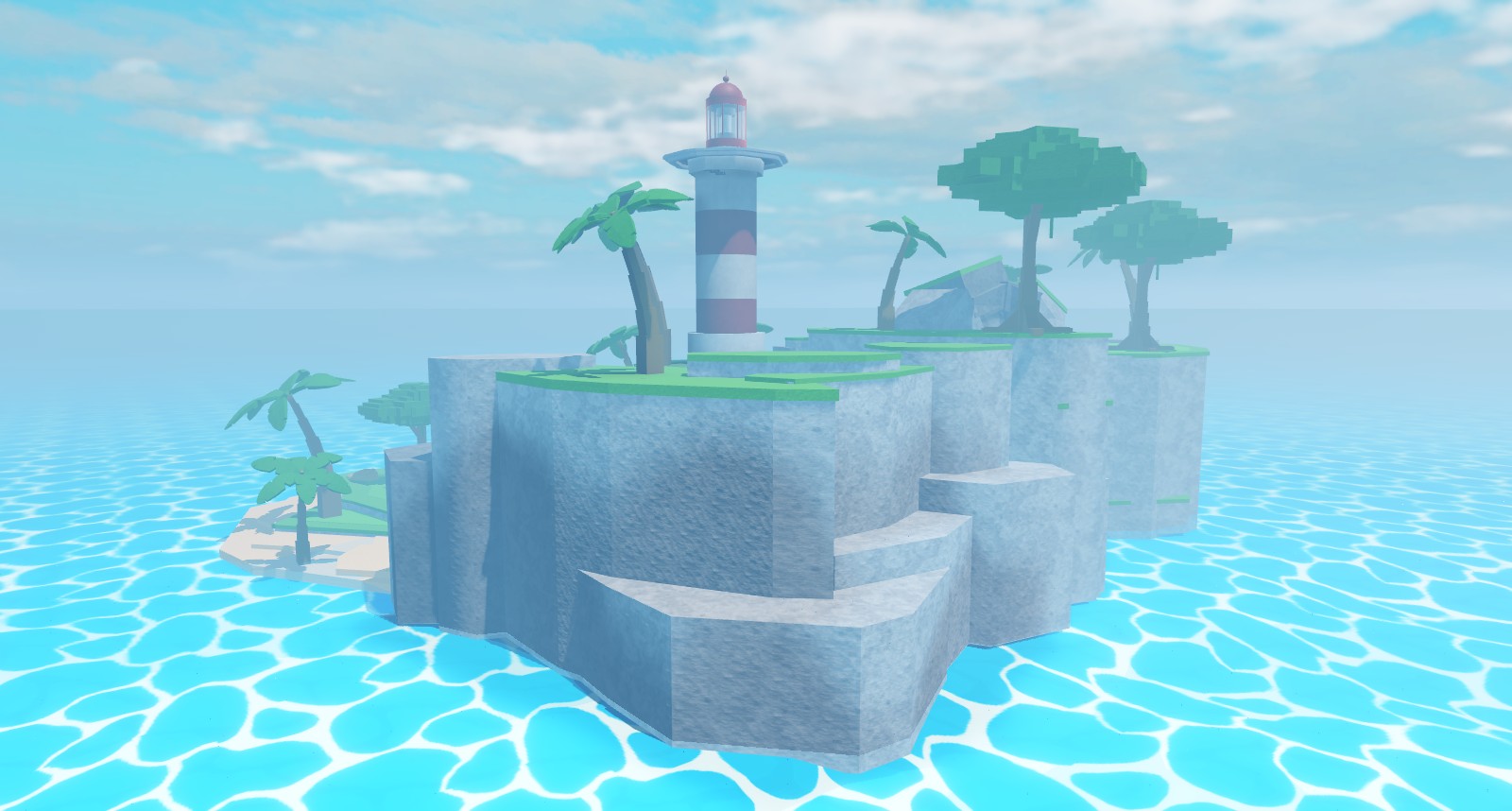
| Cartoony | A matte Slate slab in sky blue under a deeper-blue film with a faint tiled pattern. |
| Stylized | Bright flat bands with solid white foam, no reflection. |
| Realistic | Reflective, textured, detailed foam and film. |
Lighting looks
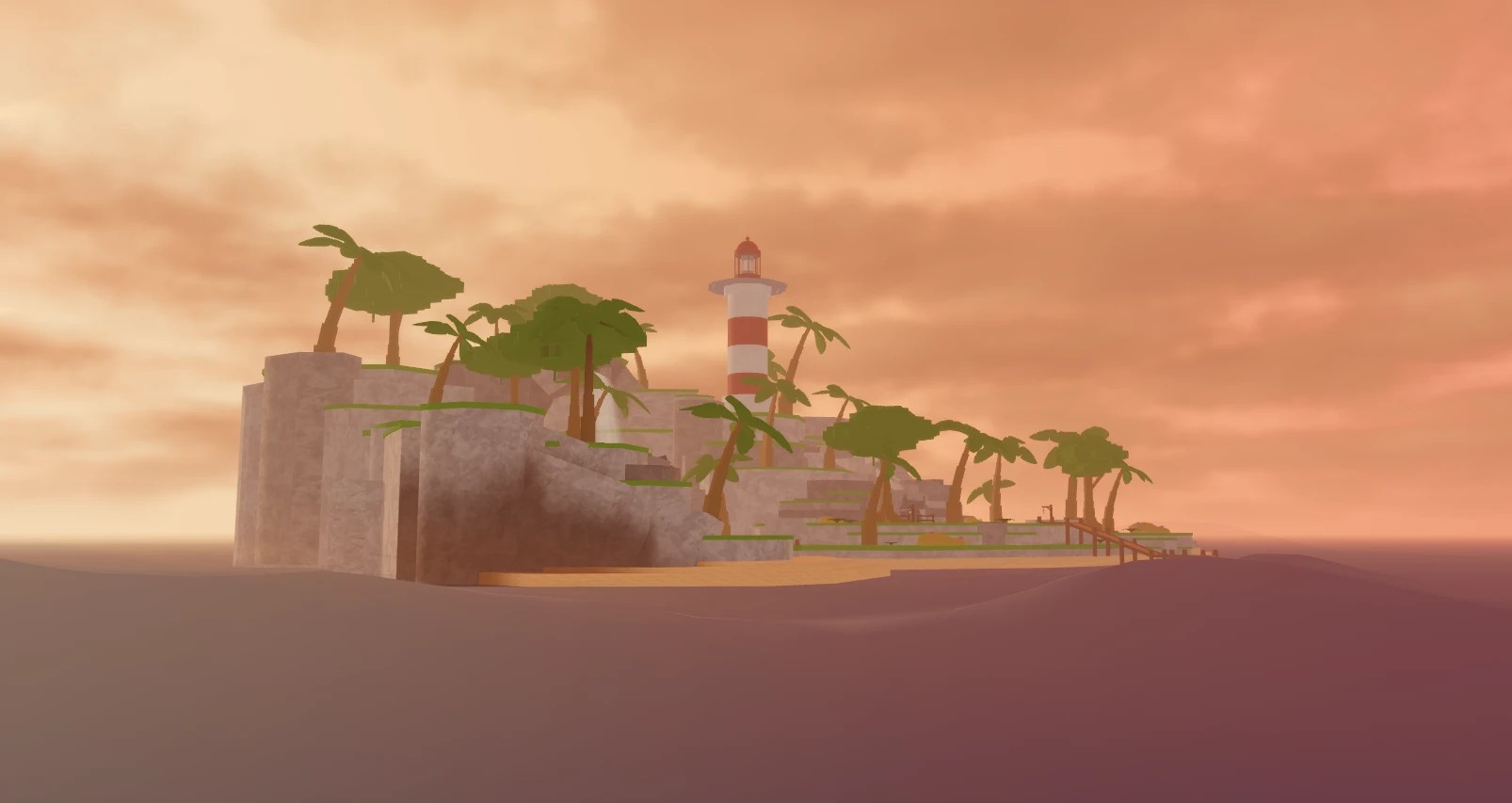
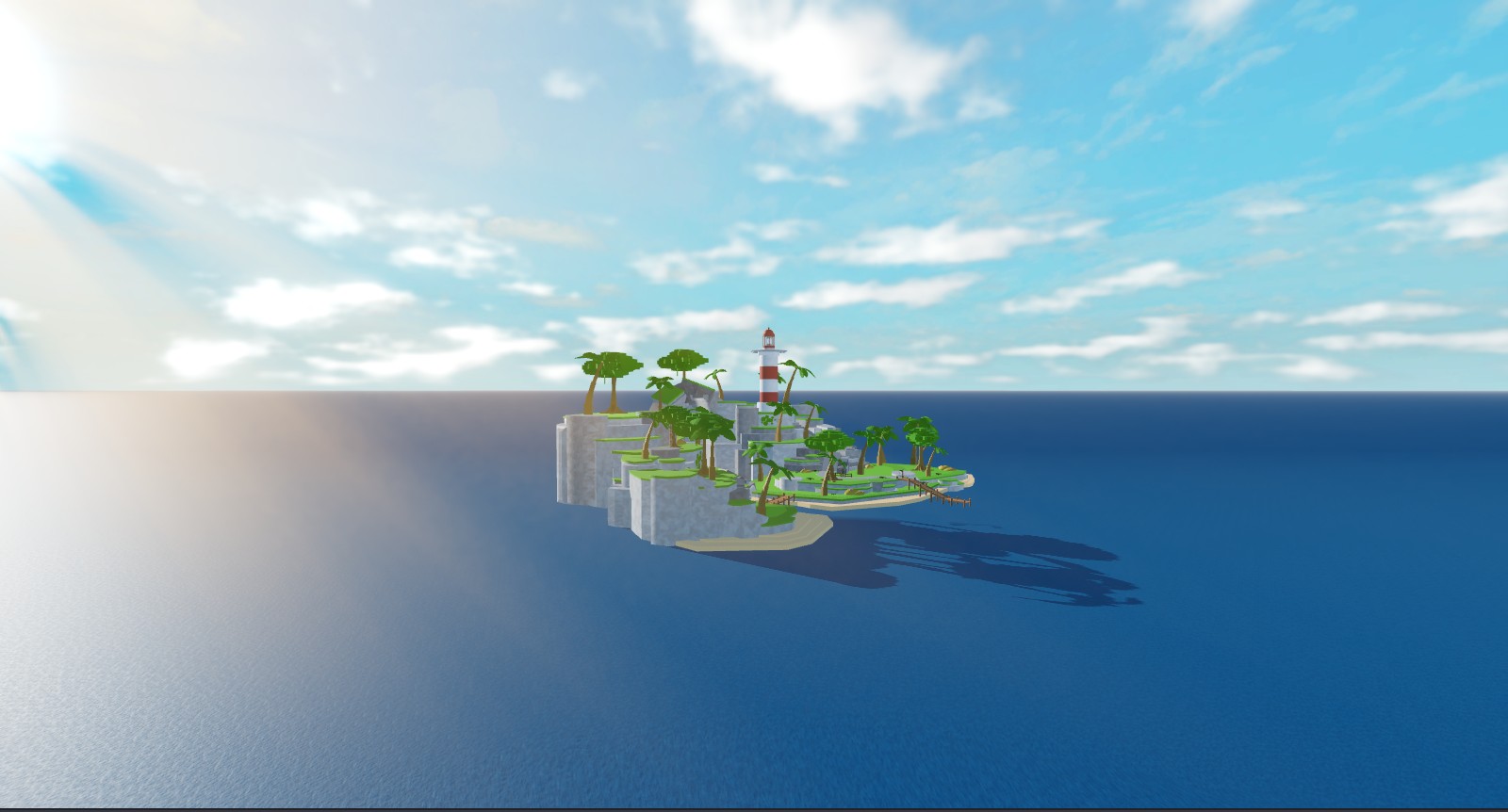
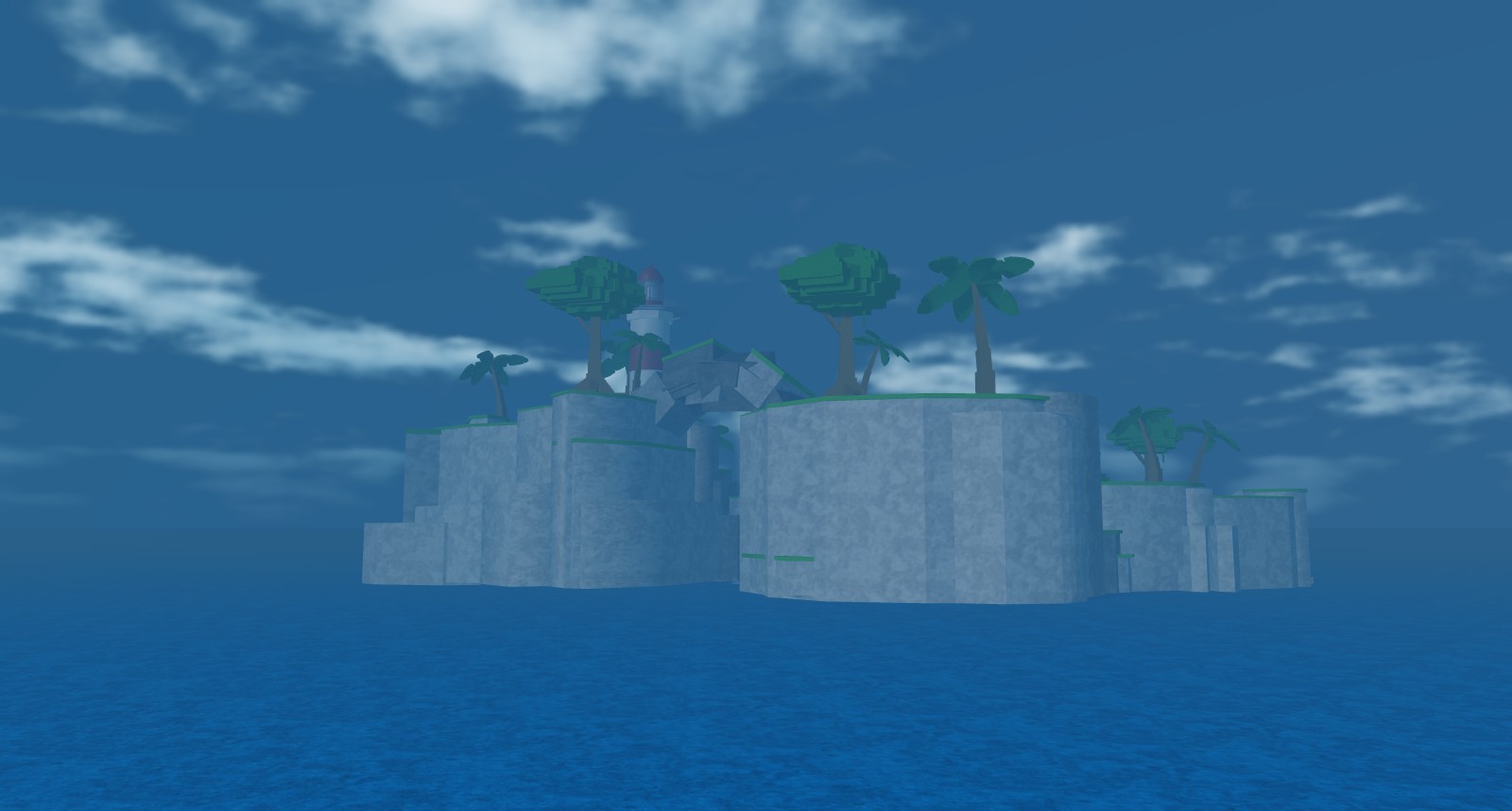
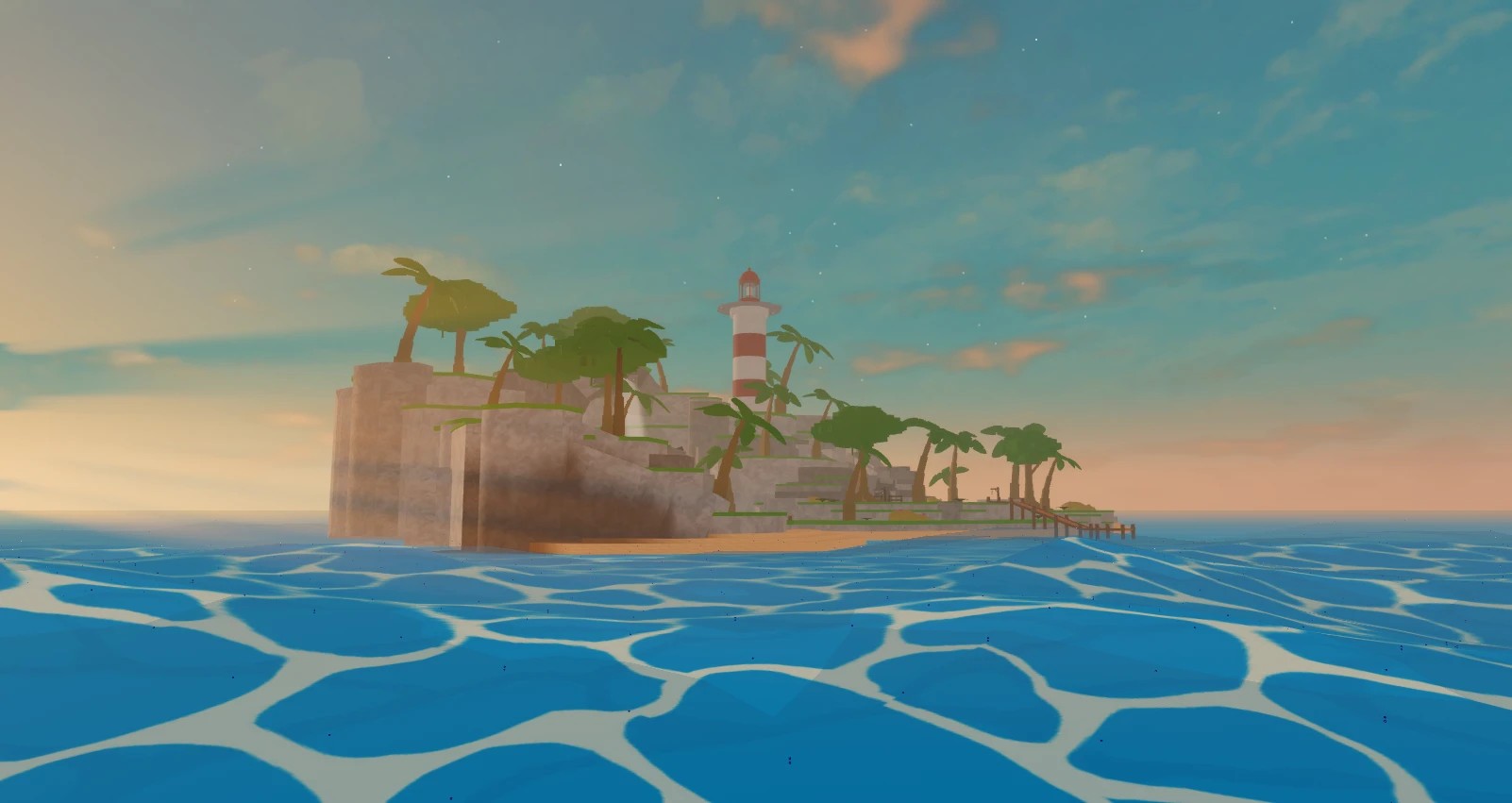
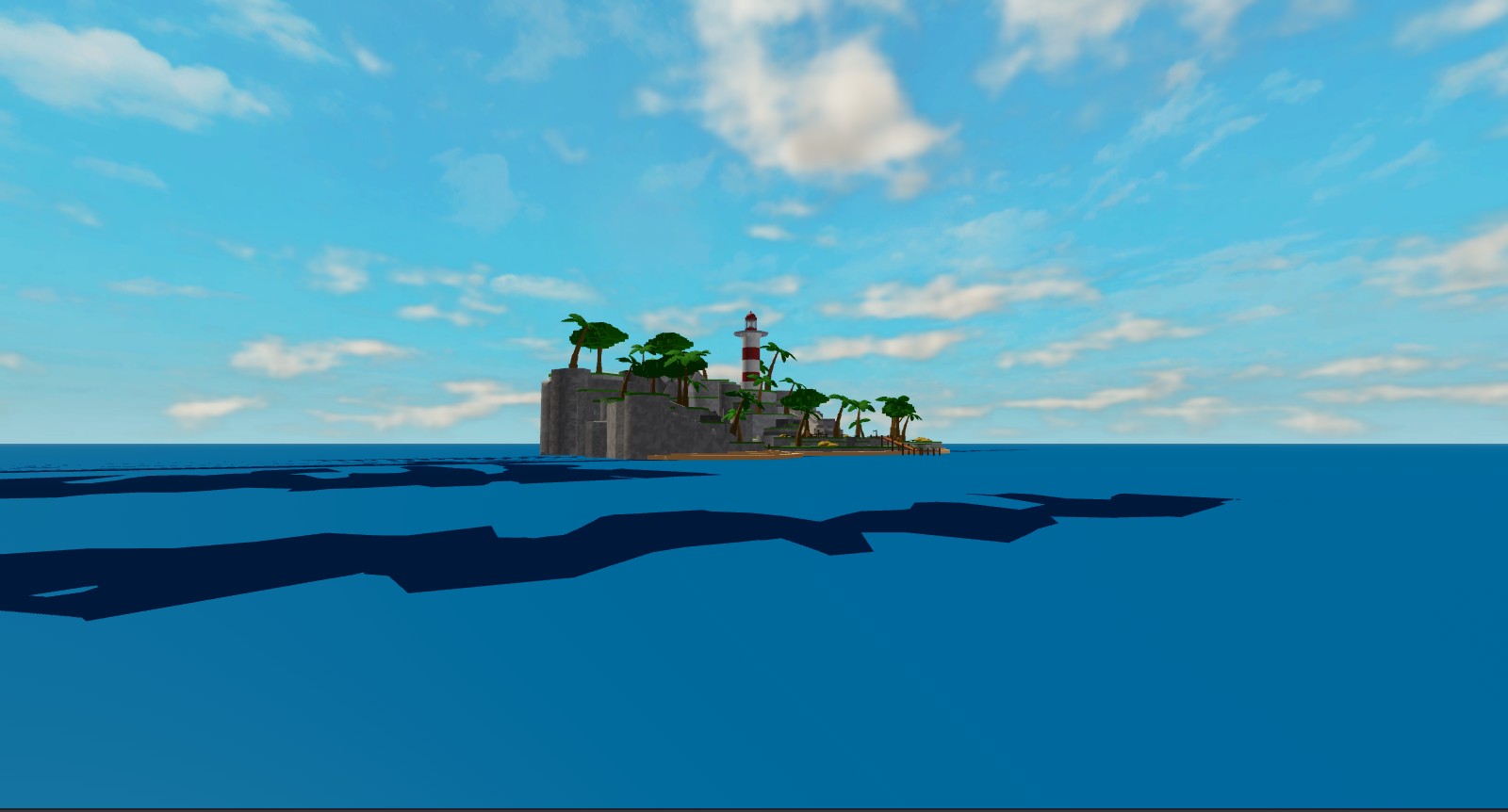
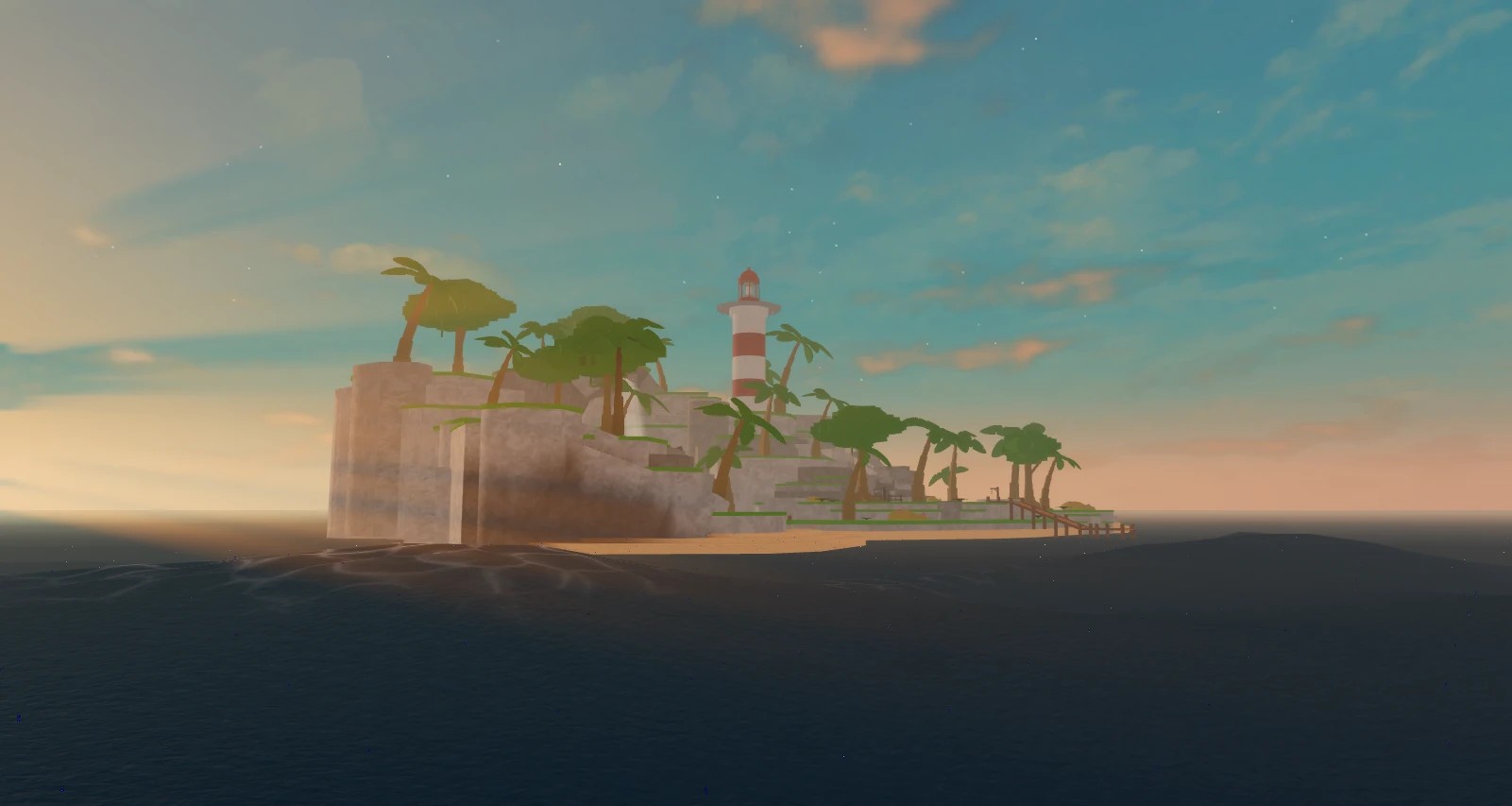
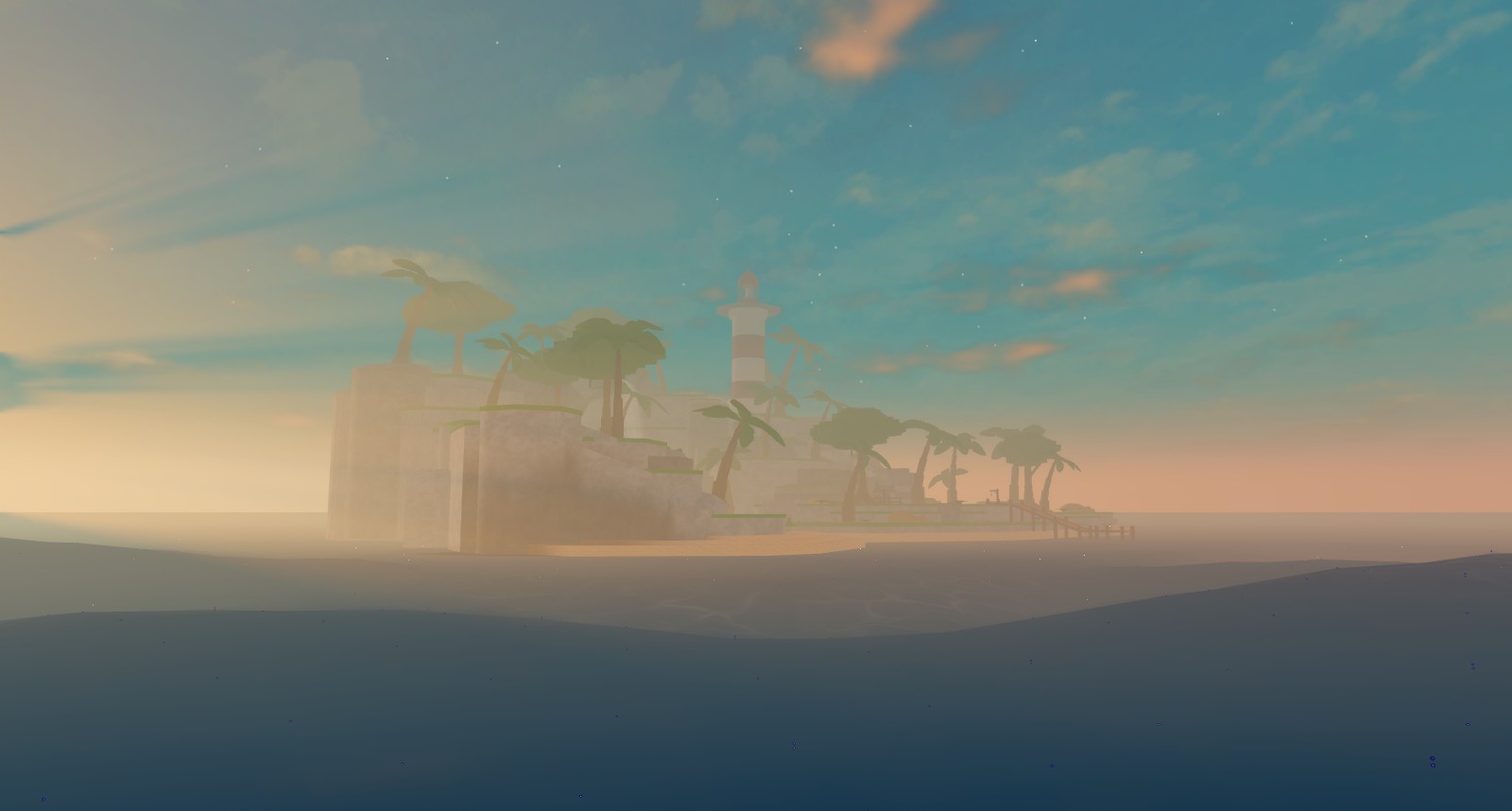
The Lighting and Atmosphere section adds one-click lighting on top of any preset: Sunny Day, Golden Hour, Night Time, Foggy Void Sea and Dark Lighthouse. The same island, three of them:

Your own
Save current in any Presets section stores the current settings under a name (Ocean presets also store the current Lighting). Saved presets are kept by the plugin across places, show up in Quick Start, and can be linked to zones and weathers. Rename and Delete sit next to each.
From scripts
local Presets = Ocean.Presets
Presets.Ocean["Pirate Seas"]   -- a settings table
Presets.Physics.Huge
Presets.Visual.Stylized
Presets.Lighting["Great Flood"] -- the Lighting snapshot the plugin applies with it

-- presets double as weathers
Ocean:CreateWeather("Storm", Presets.Ocean["Pirate Seas"])

-- or apply one to the module directly (server)
for name, value in Presets.Physics.Rough do
	Ocean.Settings.Set(name, value)
end
Older names still resolve through Presets.Find: Storm, Deep Sea, Flat and Calm map to Pirate Seas, Oil Rig, Blank and Island.