Infinite Ocean
An infinite, animated, fully scriptable sea for Roblox
Infinite and animated
Gerstner waves on a skinned EditableMesh that follows the camera: open water to the horizon, no seams, no tiling.
One plugin, no code
Install, pick a physics and a look, add addons and preview the sea live in Edit mode. Every setting is a slider with a hint.
Weather and zones
Cross-fade the whole sea between weathers, or give a bay its own. Server physics and client visuals stay in step.
Boats, swimming, drowning
Tag a part to float. Characters swim. Optional drowning with blackout or damage. Obstacles calm the water, dry regions keep it out.
Scriptable
Surface height, depth, normals, water events and weather from any script. The module is open source and MIT.
Presets and lighting
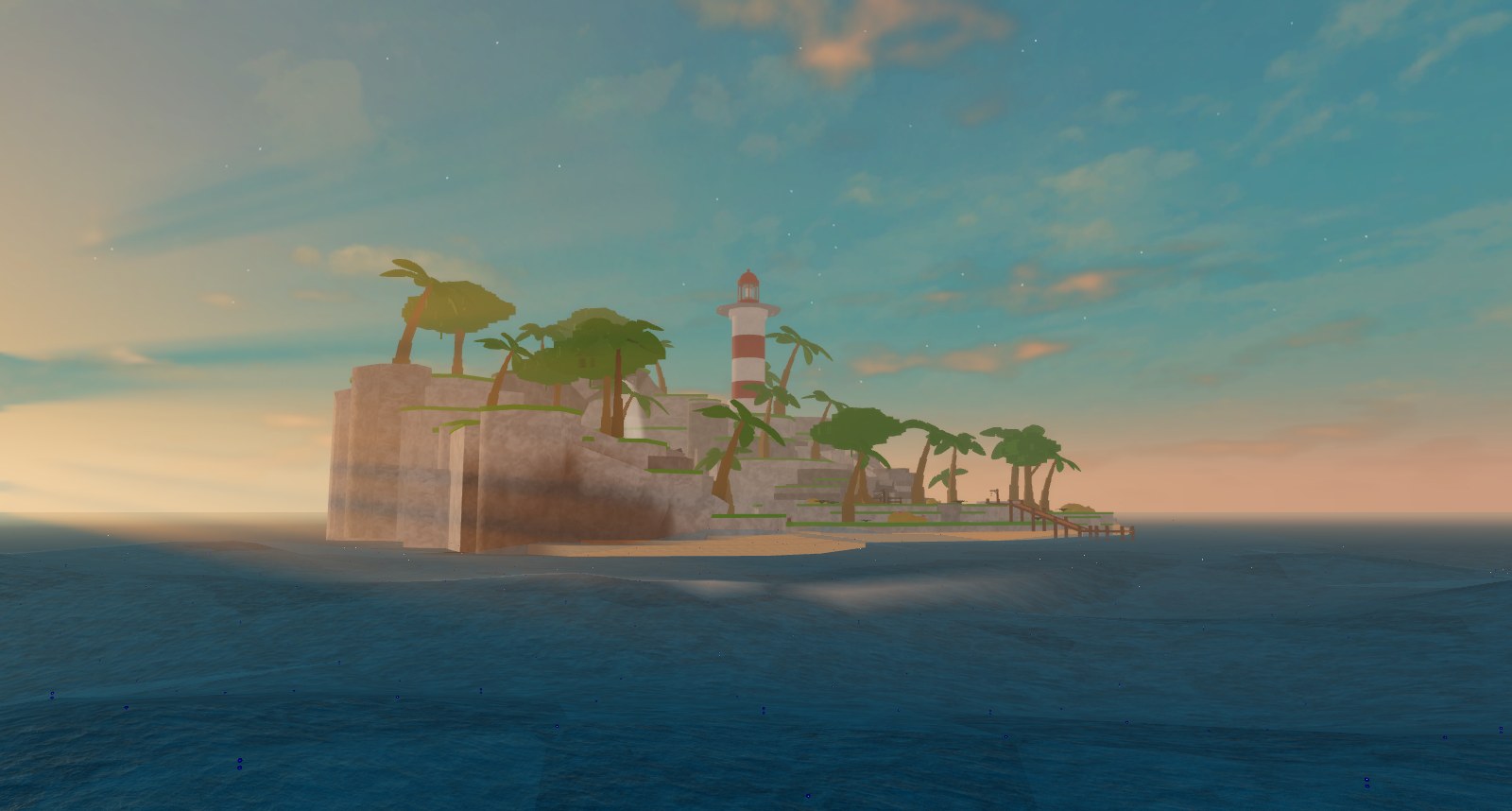
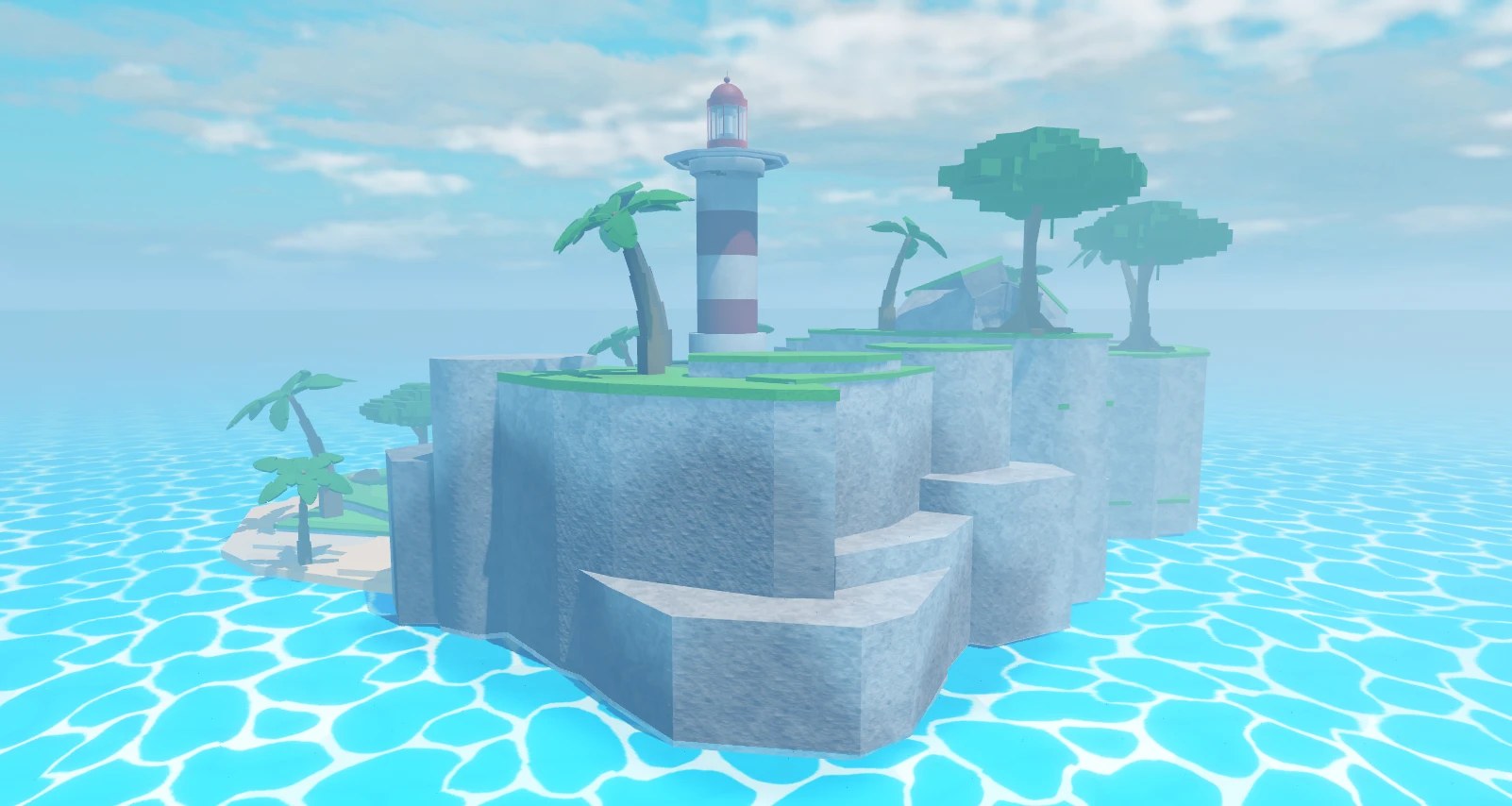
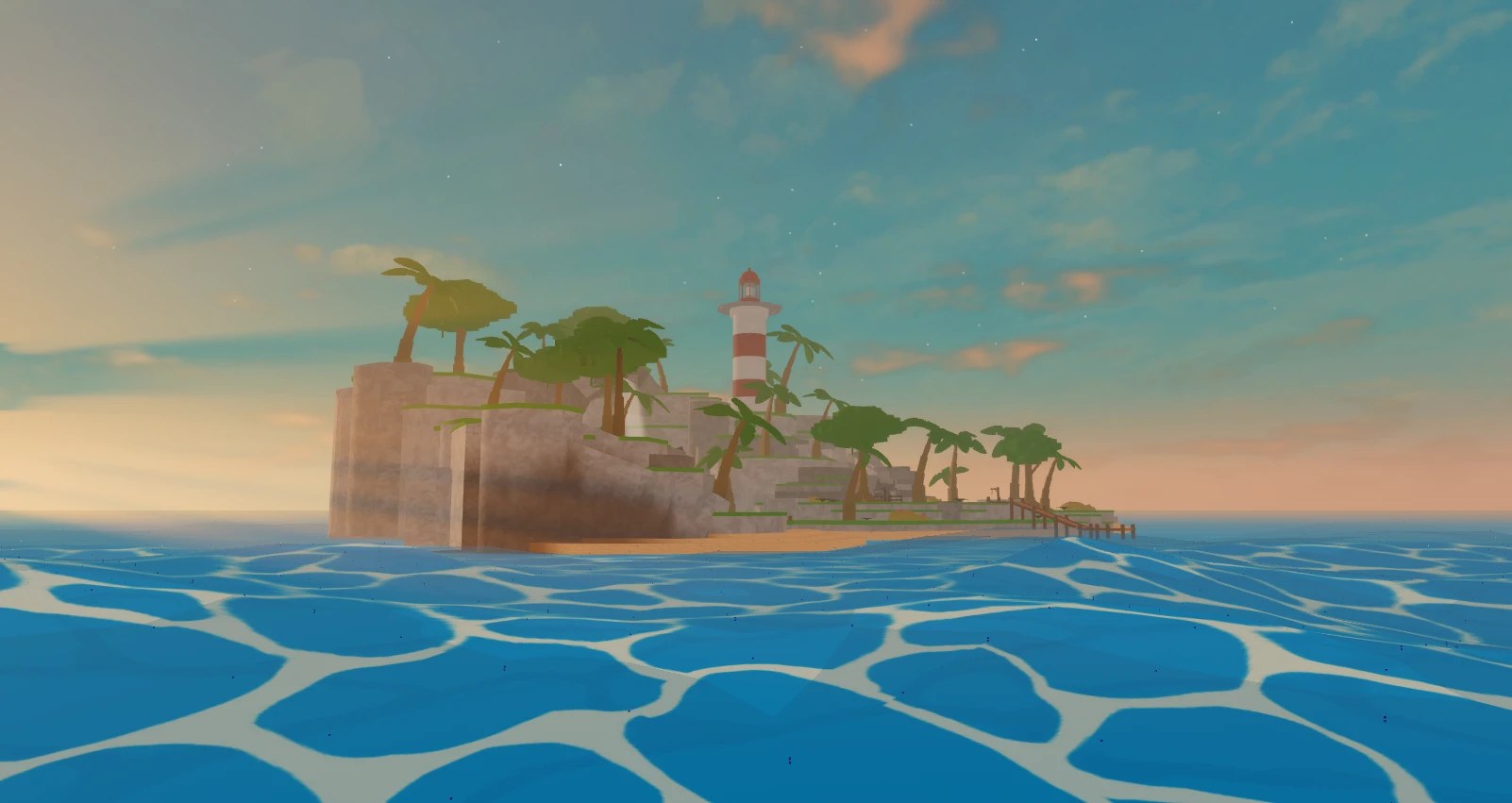
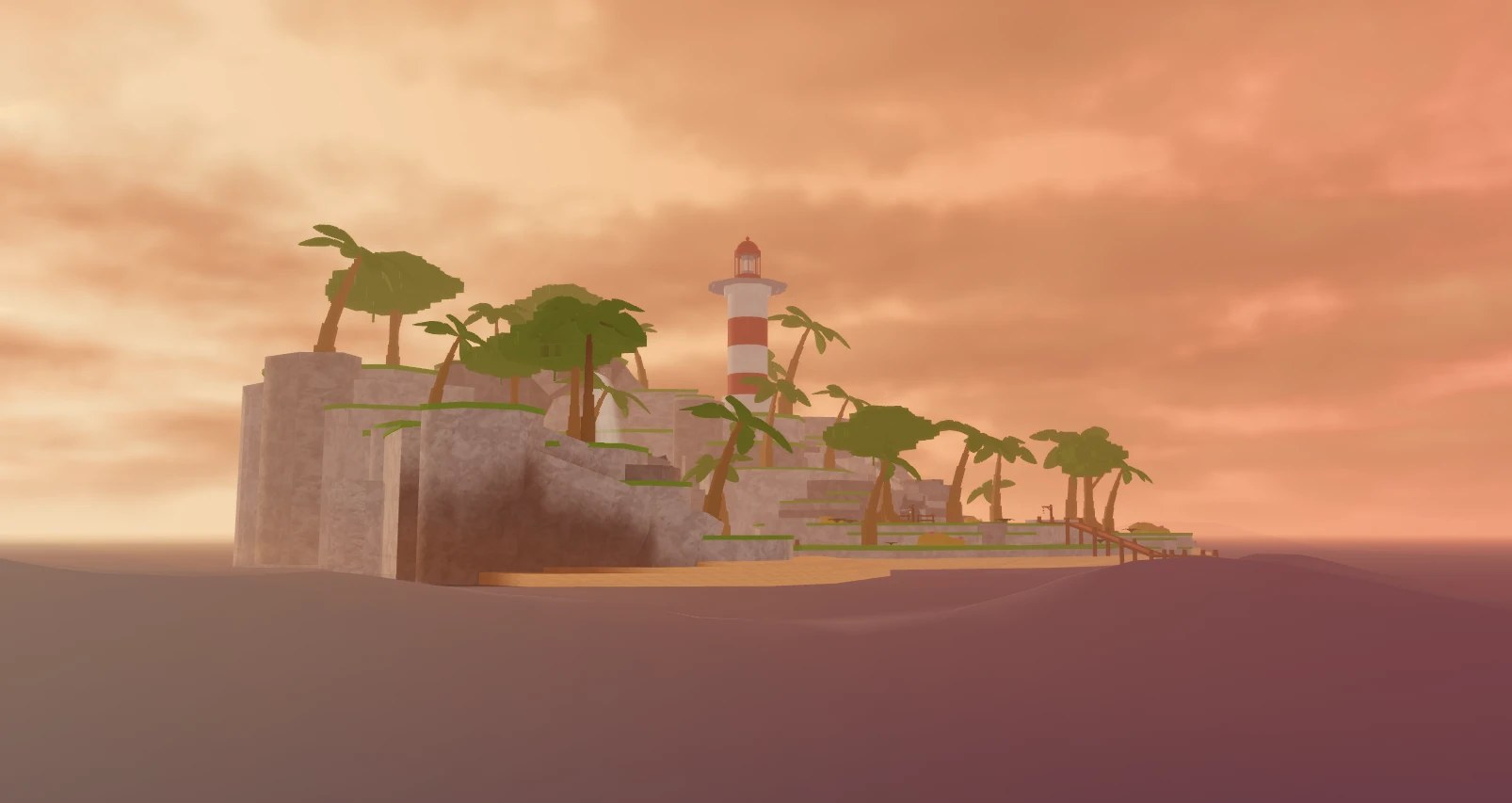
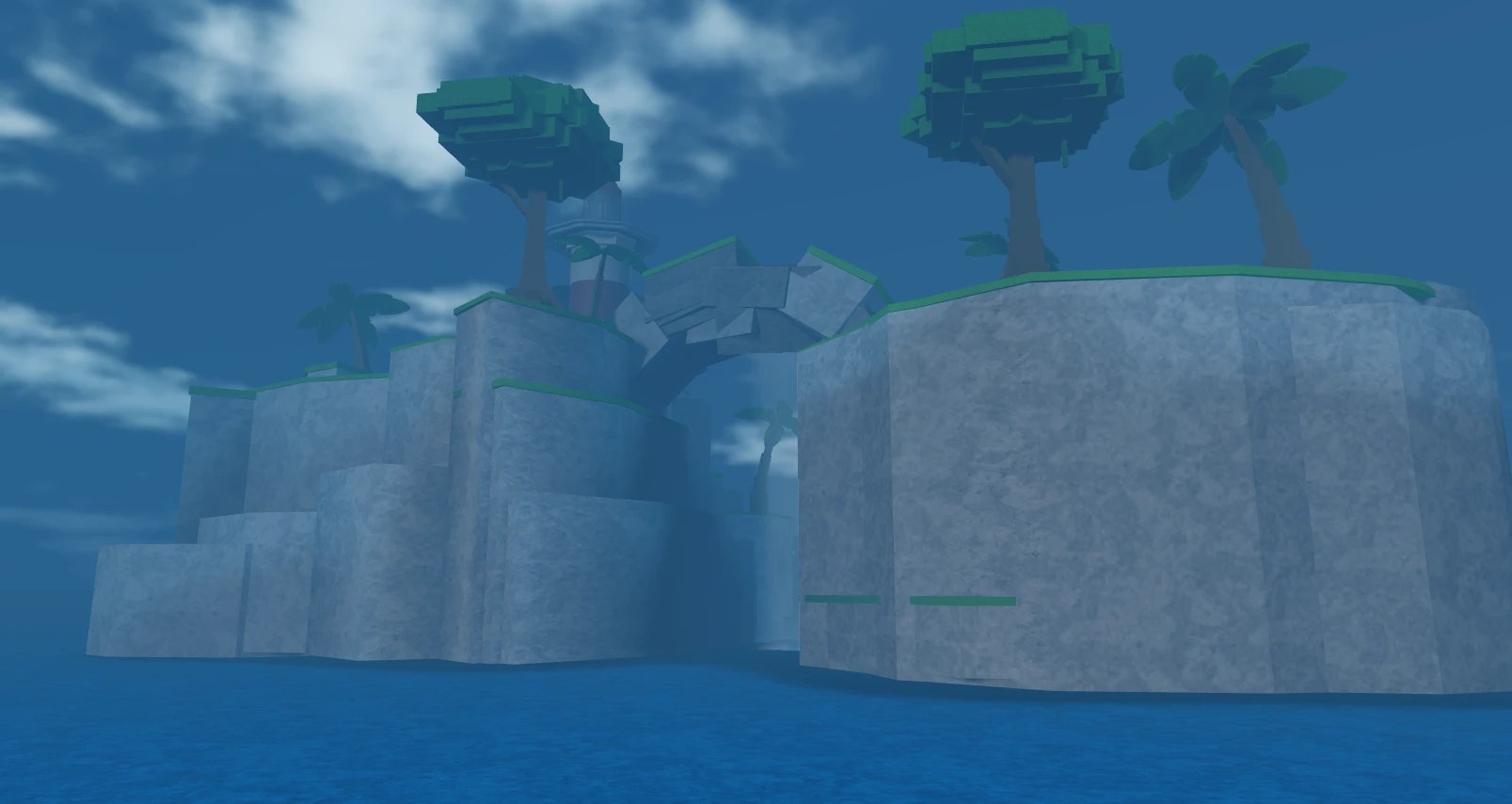
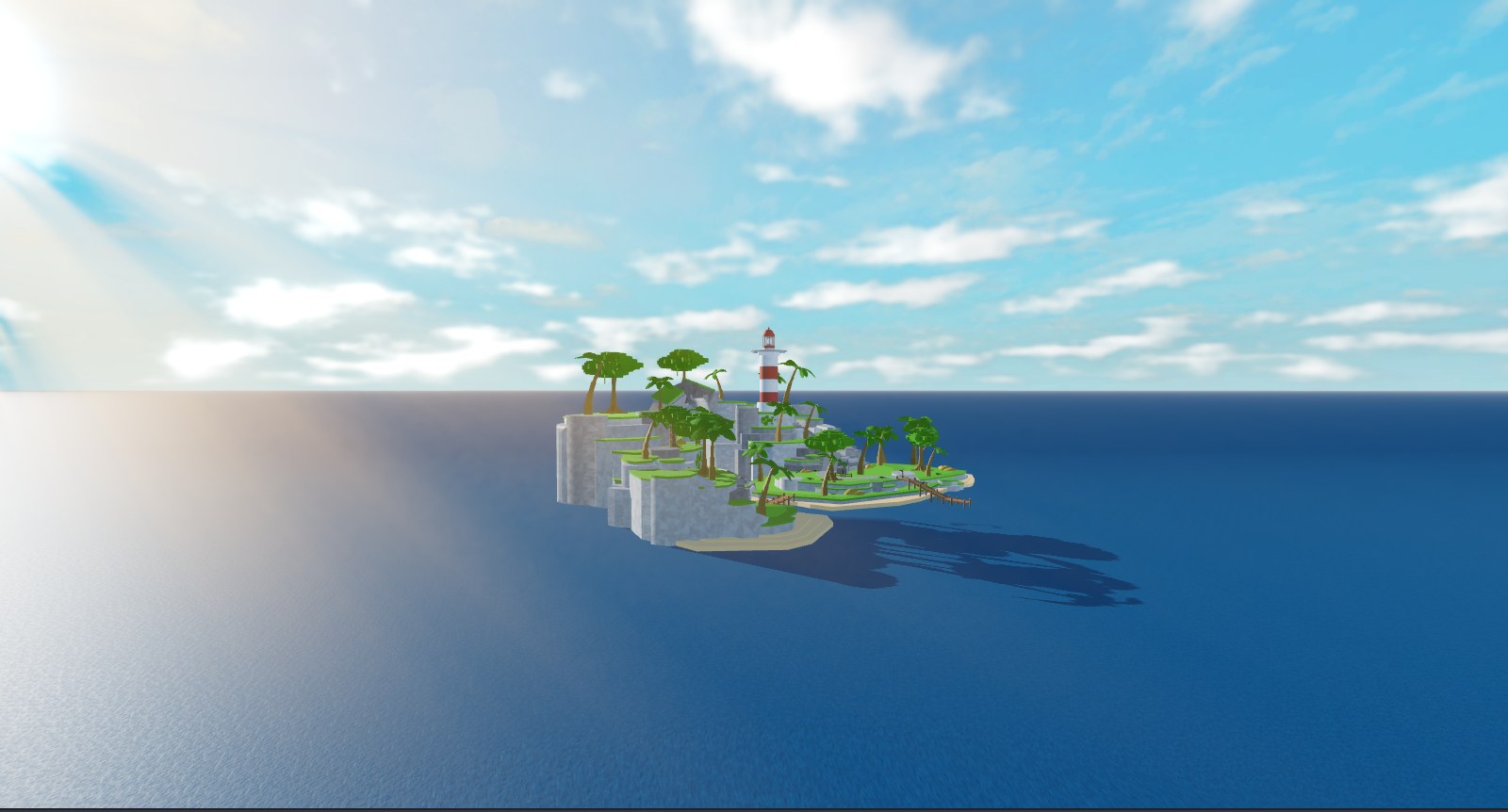
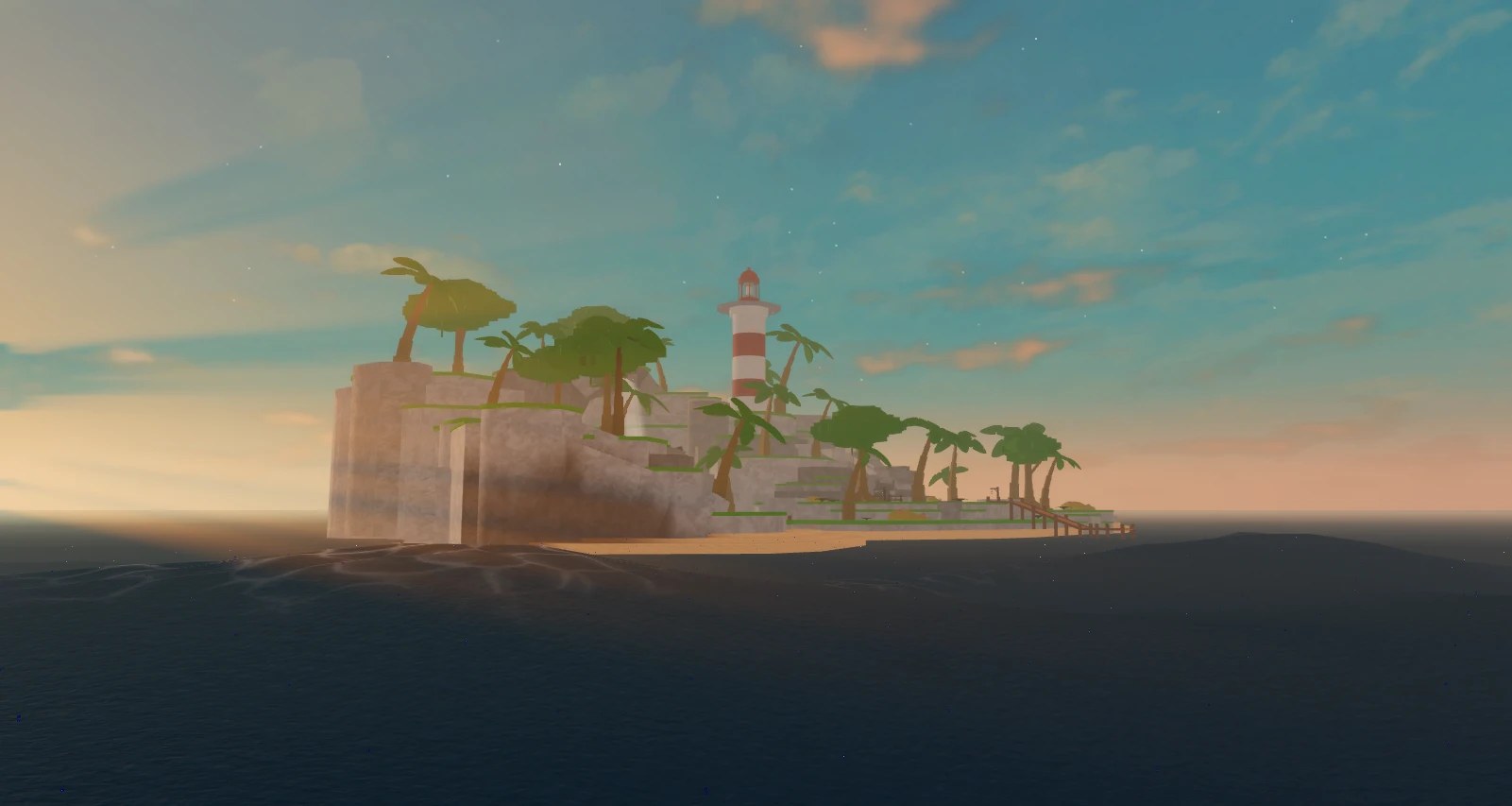
Island, Pirate Seas, Oil Rig, Great Flood, Blank. Each brings its own waves, look, Lighting and Atmosphere.
Three lines to a storm
Everything replicates through attributes on one ModuleScript, so a weather set on the server is the same sea on every client, and the server can ask where the surface is for physics.
Scripting guide →local Ocean = require(game.ReplicatedStorage.Ocean)
-- server: a storm rolls in over 30 seconds
Ocean:CreateWeather("Storm", Ocean.Presets.Ocean["Pirate Seas"])
Ocean:SetWeather("Storm", 30)
-- anywhere: keep a buoy on the surface
buoy.Position = Vector3.new(x, Ocean:GetHeight(buoy.Position), z)
-- react to things going under
Ocean.WentUnderWater:Connect(function(instance)
print(instance.Name, "went under")
end)
Five presets, any ocean
Each Ocean preset is a starting point: waves, look, Lighting and Atmosphere in one press. Every setting behind it is a slider, so the sea you ship is your own.

Ready to build your sea?
Pick the No Scripting Guide to have the plugin do it all, or the Advanced Guide to drive the sea from code.
Made by KashTheKing
Support, bug reports and feedback: @KashTheKing on Roblox, Discord, YouTube and X.